Blog
How to use each image model, what its limits are and how to get better results, answered from real usage on Miku AI.
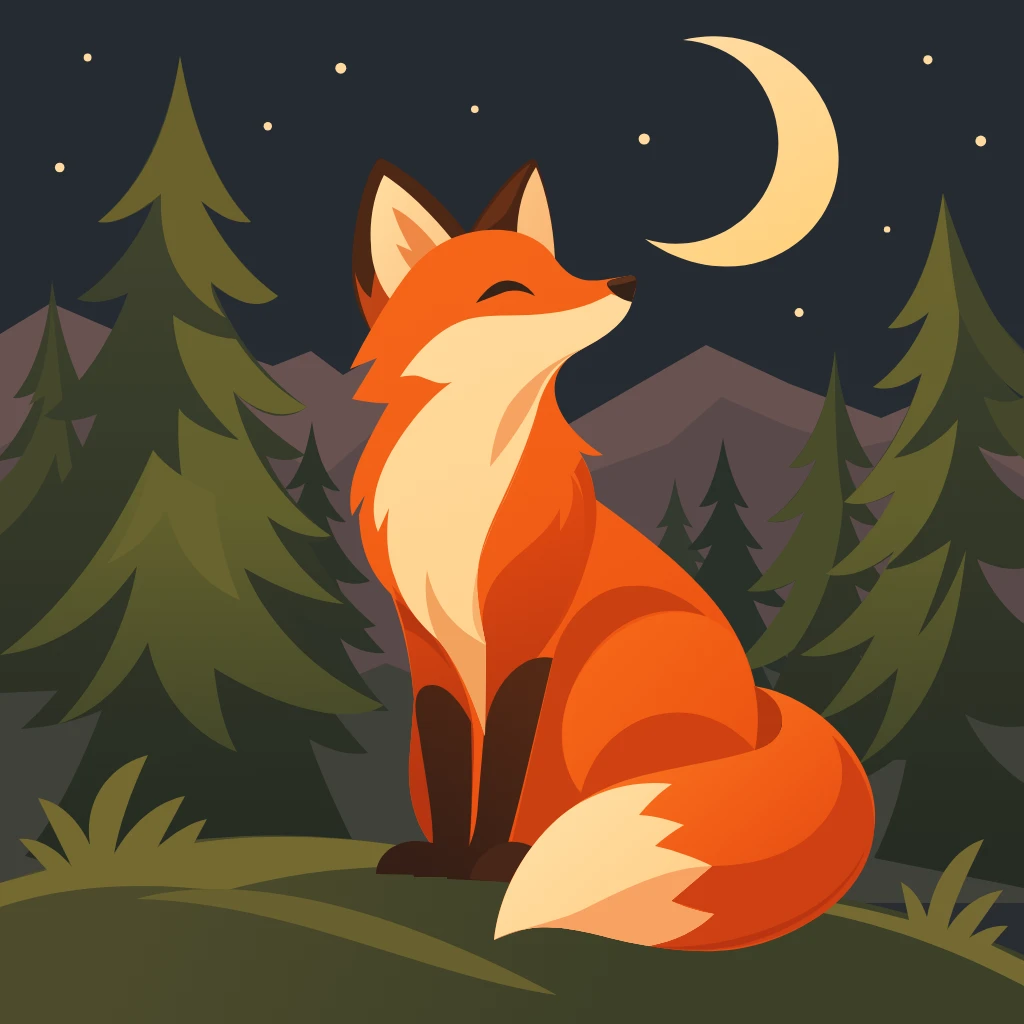
AI-generated SVGs and what to check before using them
Inspect a real fox-and-moon SVG, distinguish vector paths from flat raster artwork, and prepare a practical prompt.
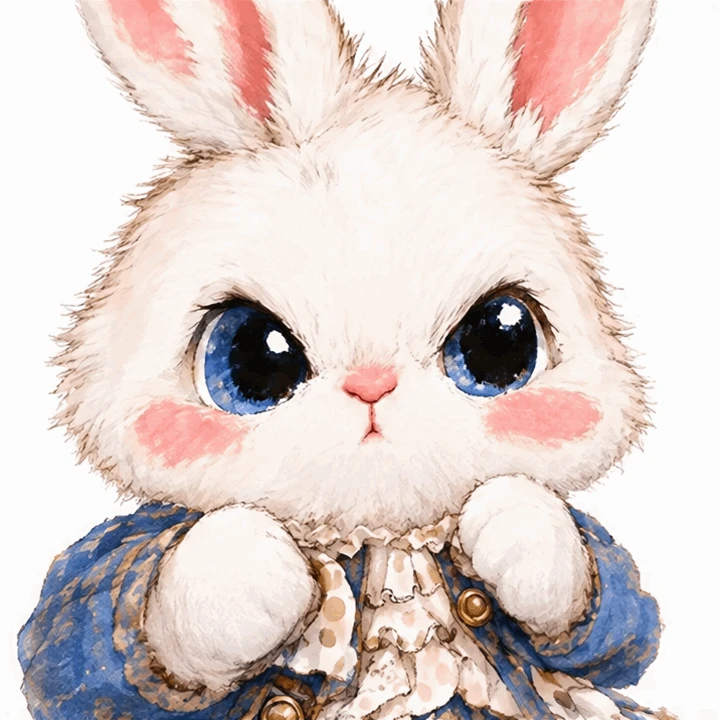
Make a simple GIF loop with GPT Image 2.6
A real official-key rabbit GIF, its 16 frames, and a practical workflow for references, motion prompts and output checks.
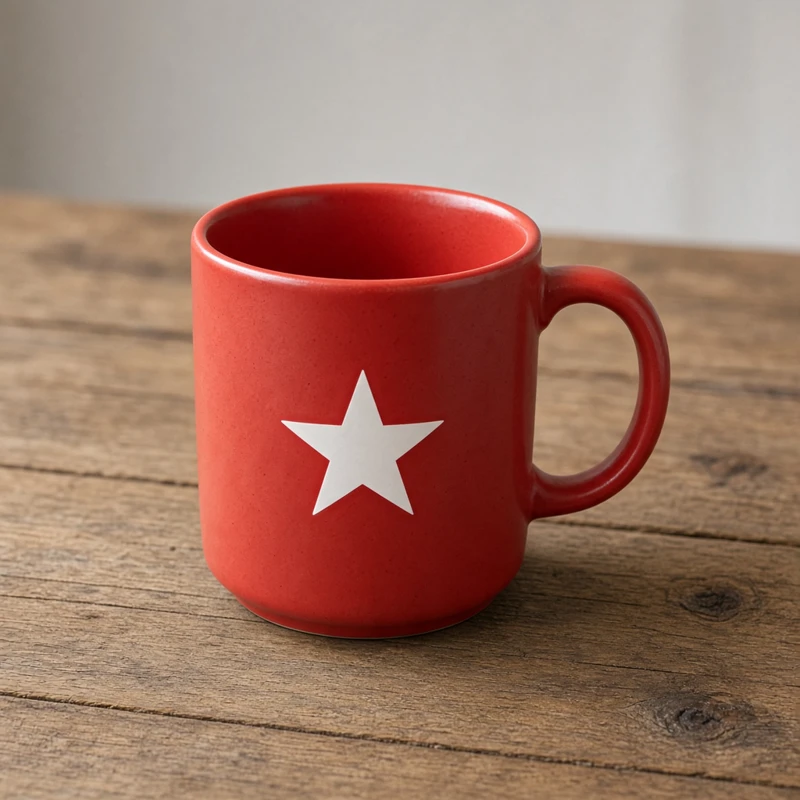
Using Seedream 5.5 with reference images in Miku AI
The current 1K configuration, eight aspect ratios and up to ten references, with an actual test image and clearly labeled composition illustrations.
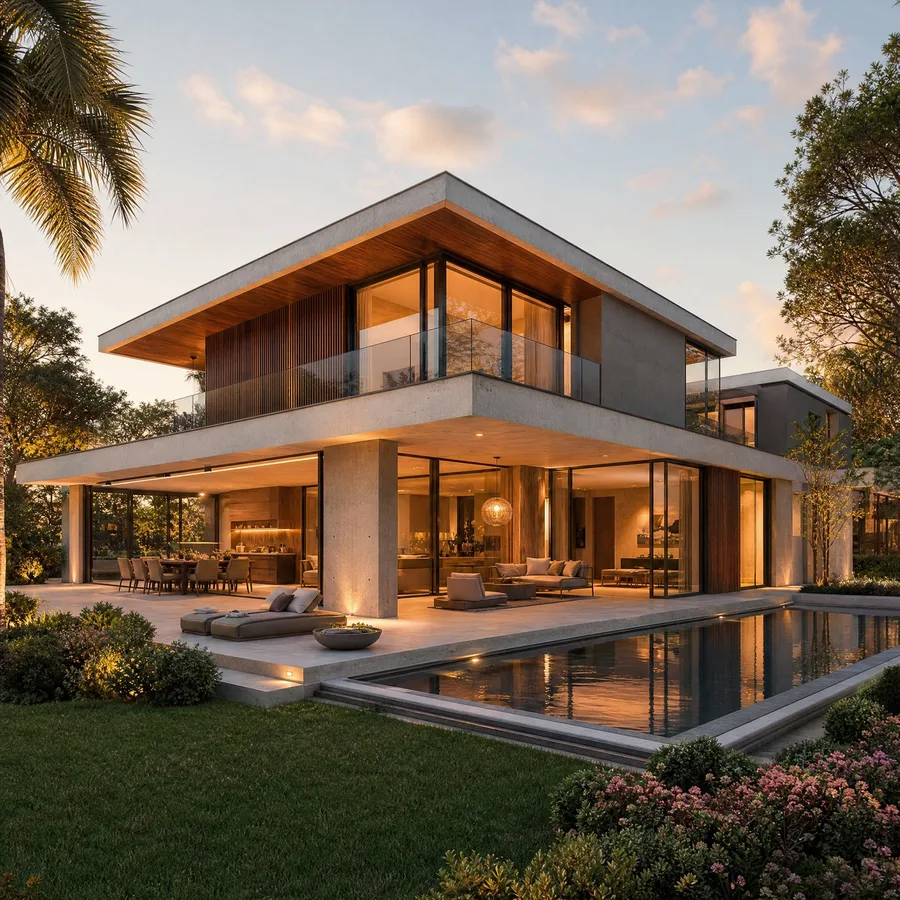
How do I get a different angle of an architectural render with AI? Prompts and model data
Turn one exterior or interior render into an aerial view, side view or reverse shot. Real Miku AI data, model success rates, prompts and common mistakes.
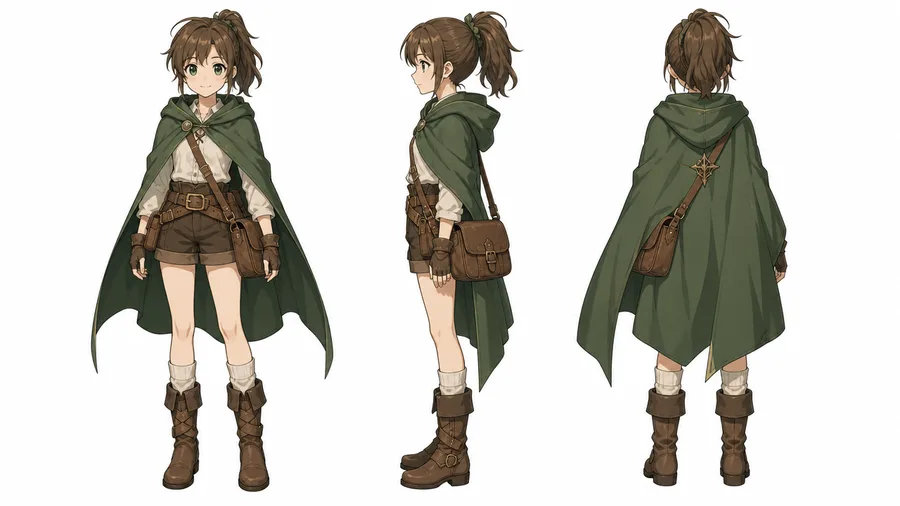
How do I make a character turnaround sheet with AI? Front, side and back view prompts
Ask for front, side and back full-body views side by side at one scale on a plain background. Real Miku AI data, model comparison and prompts.
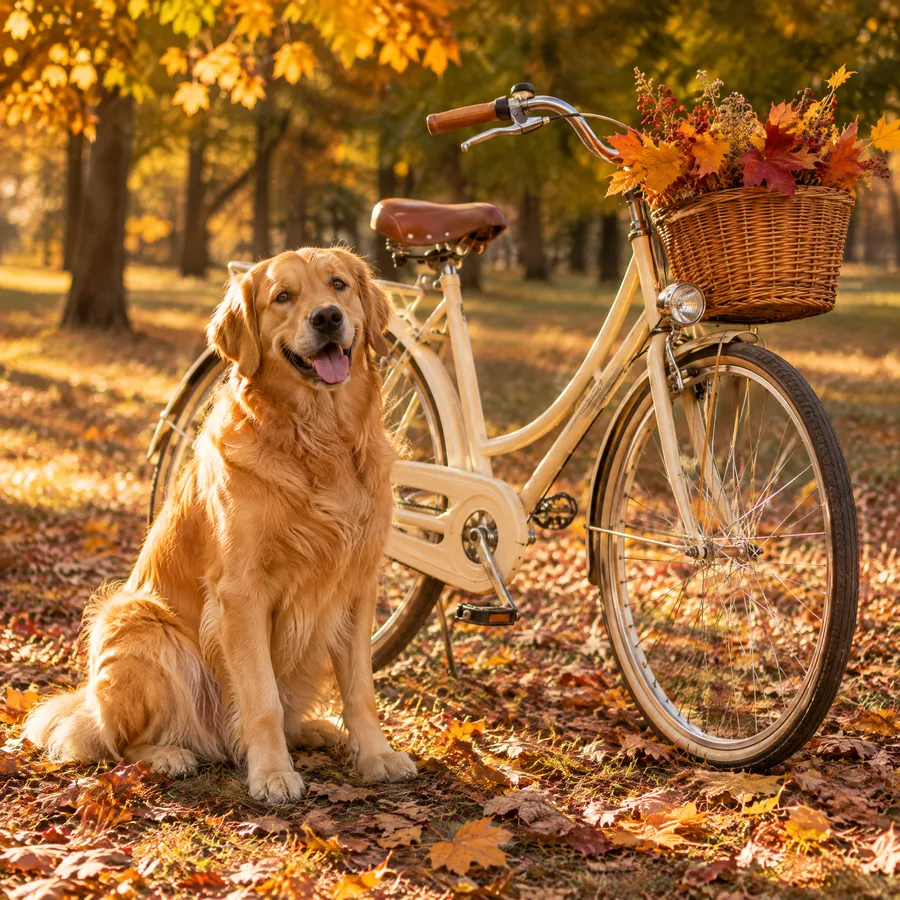
How do I combine two photos into one with AI so it looks natural? Image 1 / image 2 prompts
Say which photo is the base and what goes into it, then match light, perspective, scale and shadows. Real Miku AI data, success rates and prompts.
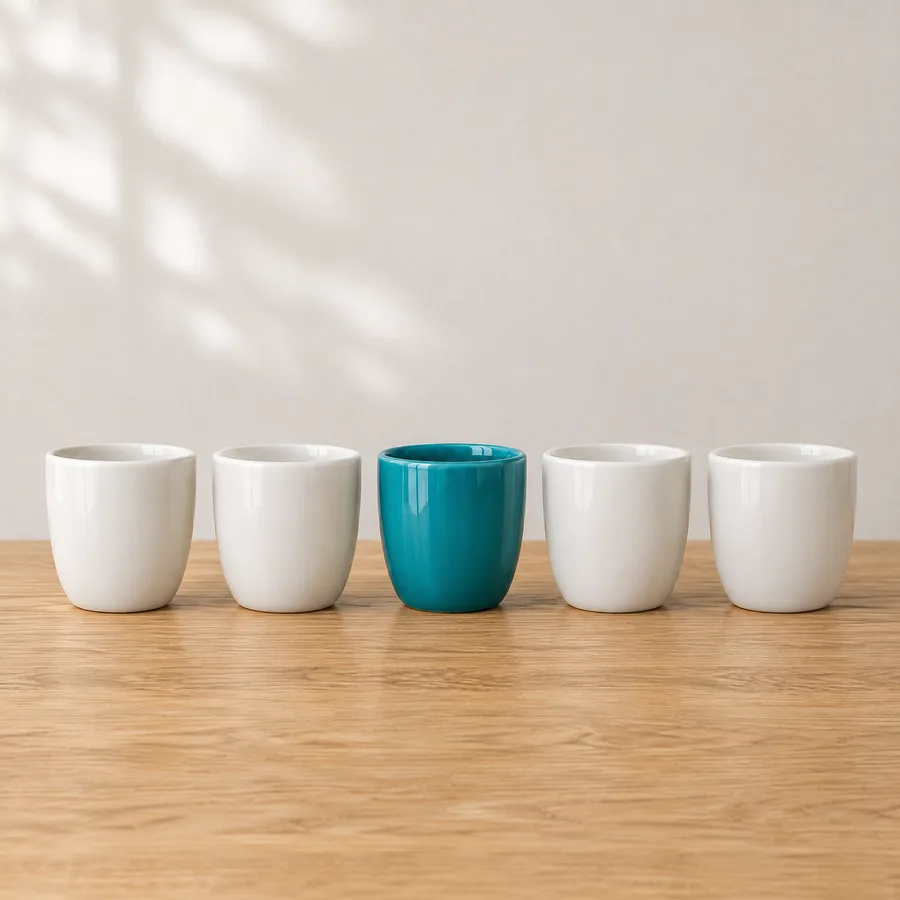
How do I edit one part of an image with AI and keep everything else the same?
Write 'change only X, keep the rest', or paint the area with Mask edit so the rest is protected. Miku AI success rates, steps and prompts.
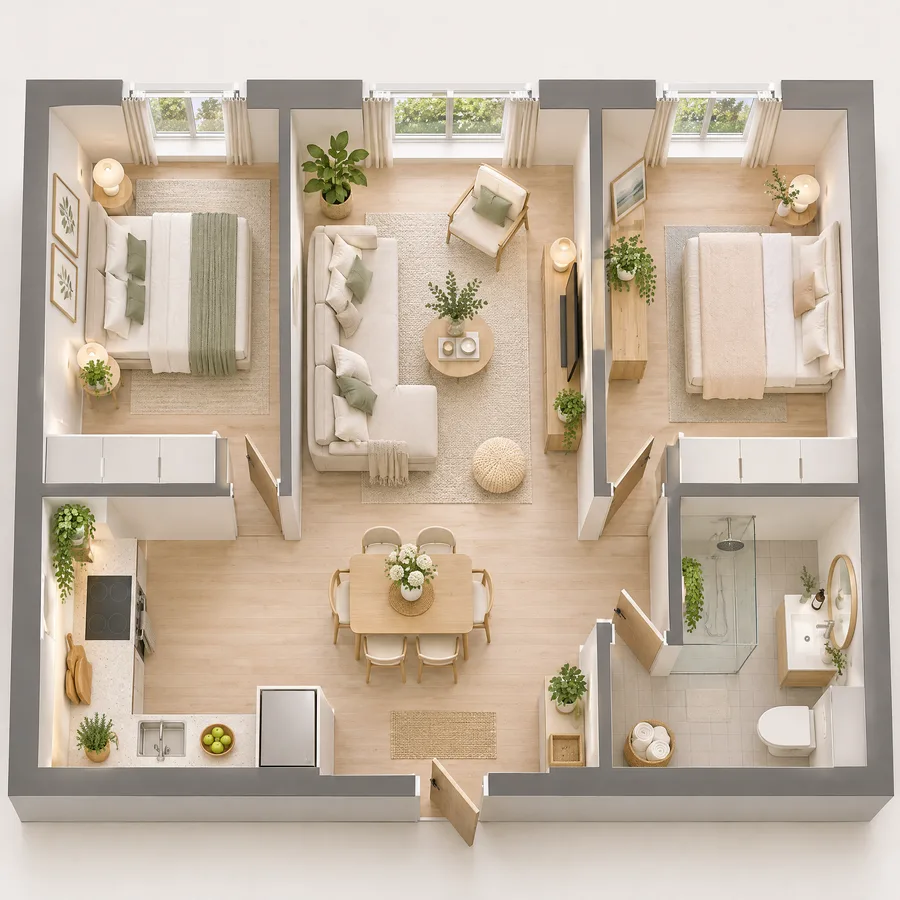
How do I turn a floor plan into an interior rendering with AI? Prompts that work
Upload a floor plan, name the room, camera position and style, and get an interior rendering or 3D cutaway. Real Miku AI data, steps and prompts.
Why did my AI image fail content moderation? How to phrase normal requests that get refused
Group photos, retouching and real portraits can be refused by moderation. Data from 30,000+ benign Miku AI tasks, refunds, and how to phrase requests.
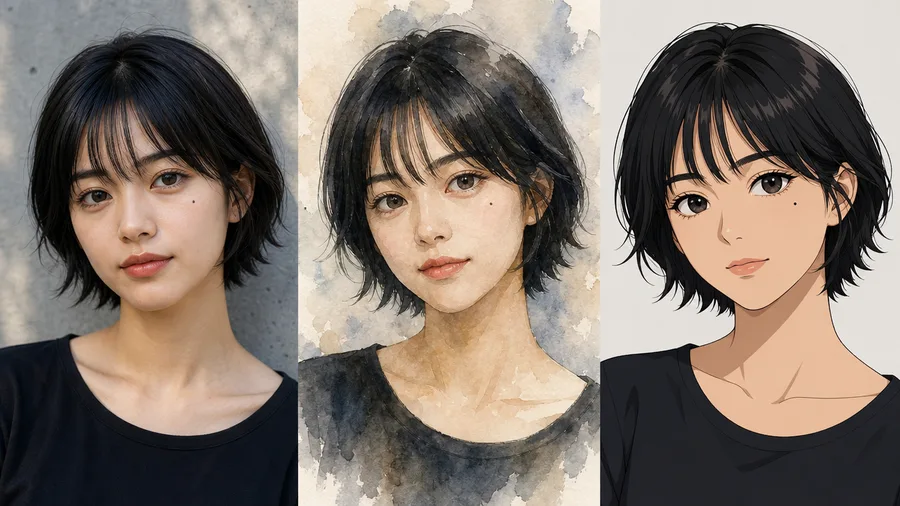
How do I keep the same face from a photo when generating new AI images?
Upload one or two clear front-facing photos, say which features must not change, then describe the new scene. Data from 2,676 Miku AI tasks.
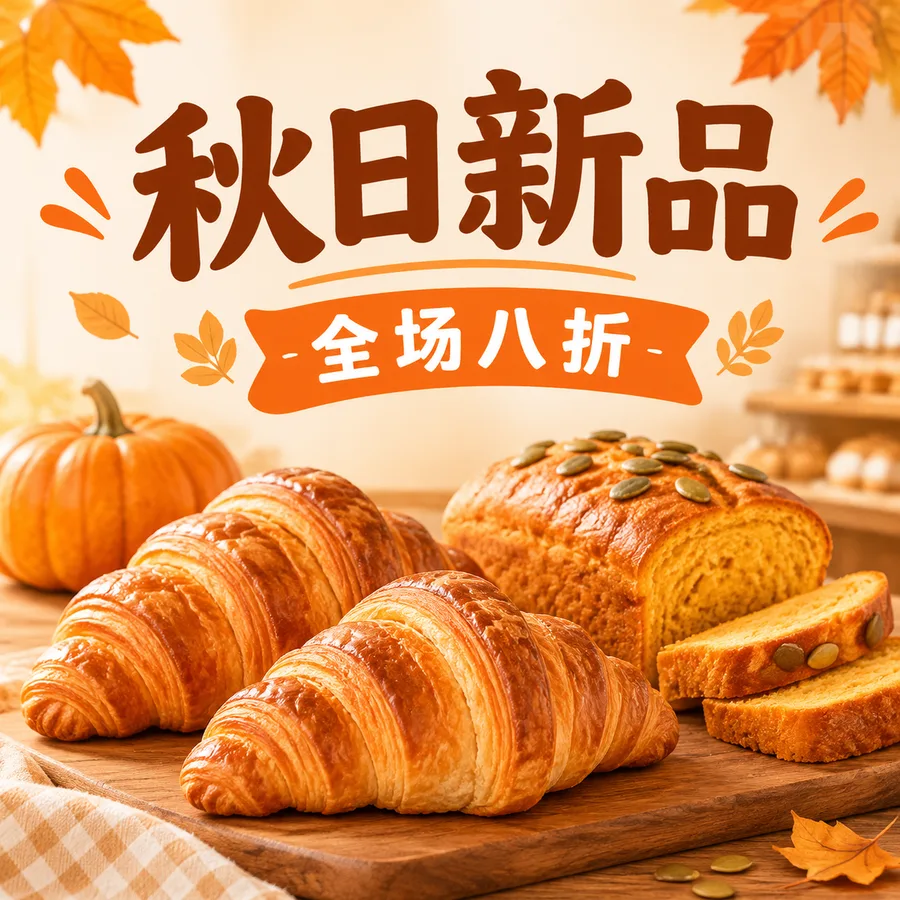
How do I get correct Chinese text on an AI-generated poster? Prompts that avoid garbled characters
Quote the exact Chinese text, keep it short, state font, size and position, then proofread every character. Real Miku AI data and prompts.
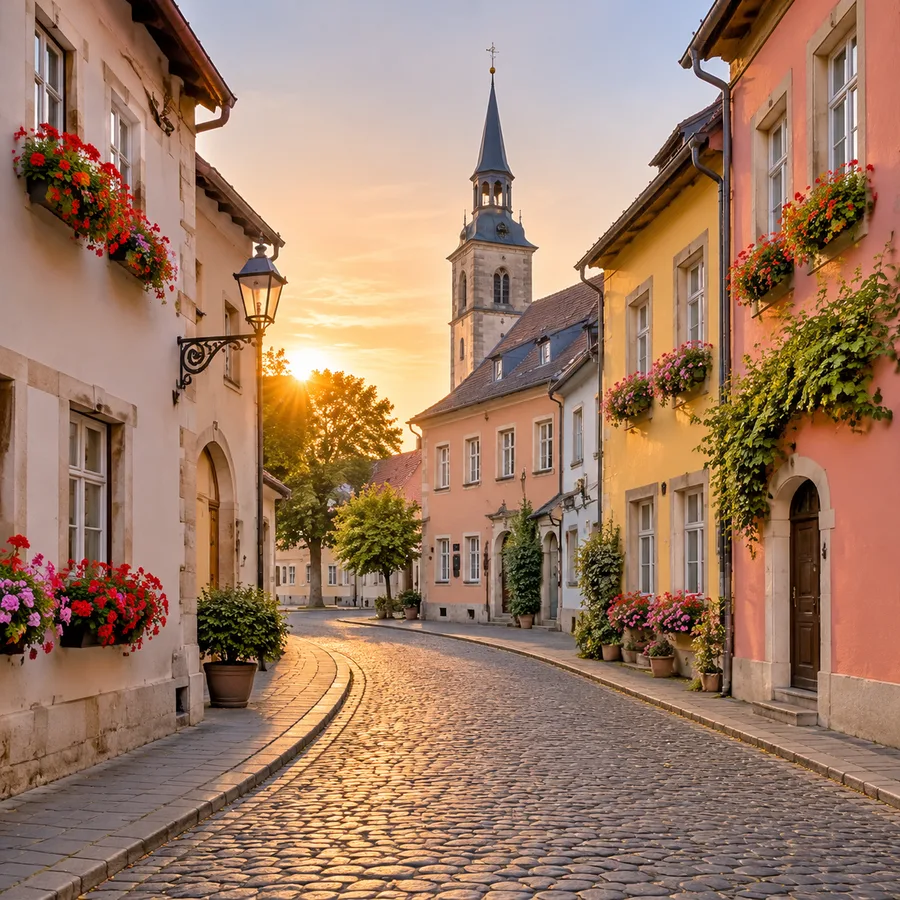
How do I remove people or unwanted objects from a photo with AI? Prompts that keep the rest intact
Upload the original, say who or what to remove and where, and ask for a natural fill. Success rates from 279 Miku AI users, prompts and a checklist.
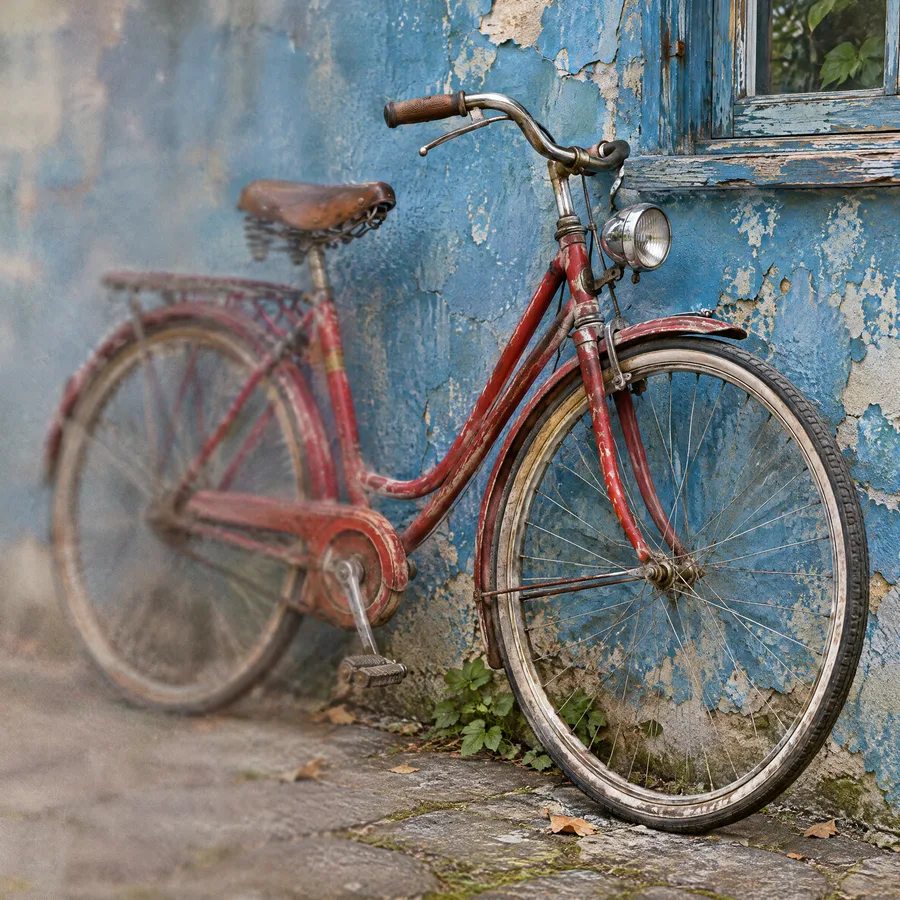
How do I make a blurry image sharp with AI without changing the picture?
Pick 2K or 4K, keep the original aspect ratio, and say only clarity may change. Success rates from 2,428 Miku AI upscale tasks, prompts and pitfalls.
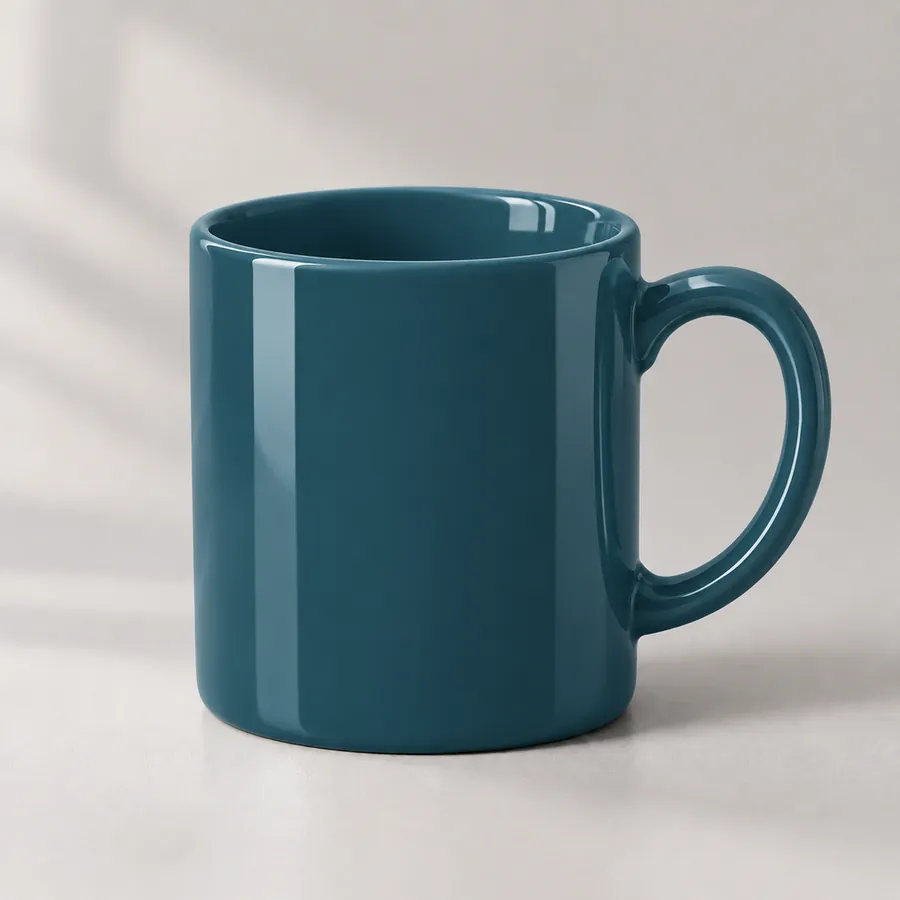
How to change a product's colour to an exact hex code with AI, without changing its shape or reflections
Upload the product photo, name the part to recolour and the hex code, then list everything that must stay the same. We recoloured one mug to two hex codes and measured the result. Includes the exact prompt and common questions.
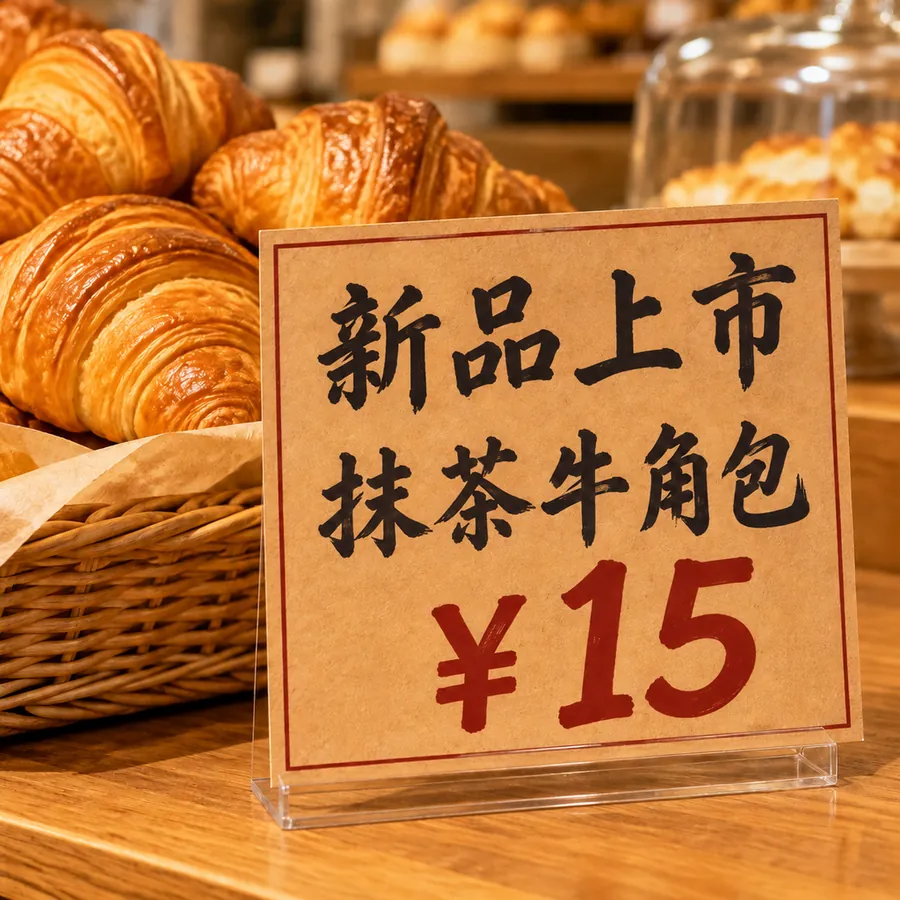
How to edit the text in an image with AI and keep the original font
Upload the original, write "change A to B" line by line and ask for the same font, size, colour and position, and AI will rewrite the text without redoing the design. We changed three lines on a bakery price card. Prompt, checklist and FAQ included.
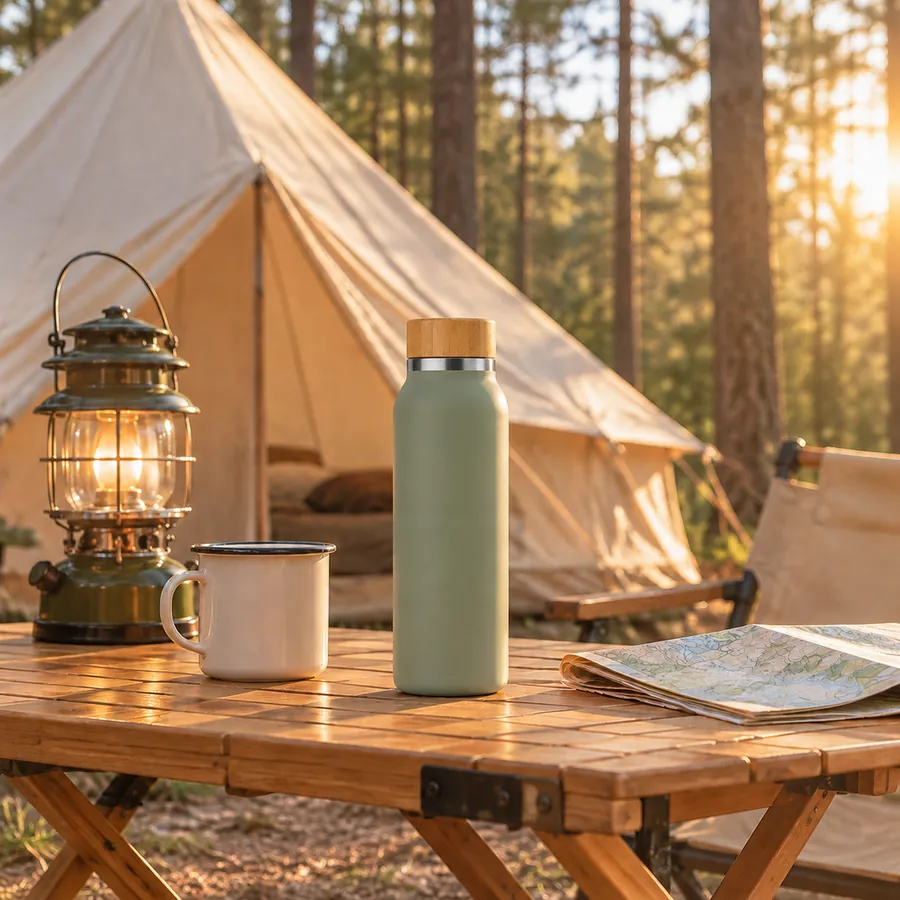
How to put your own product into a scene photo with AI (product as image 1, scene as image 2)
With just a white-background product shot you can make a lifestyle image. Upload the product and a scene, ask the AI to replace a similar object in the scene with your product, and match light, shadow and scale. Before/after test, prompt, copyright note and FAQ.
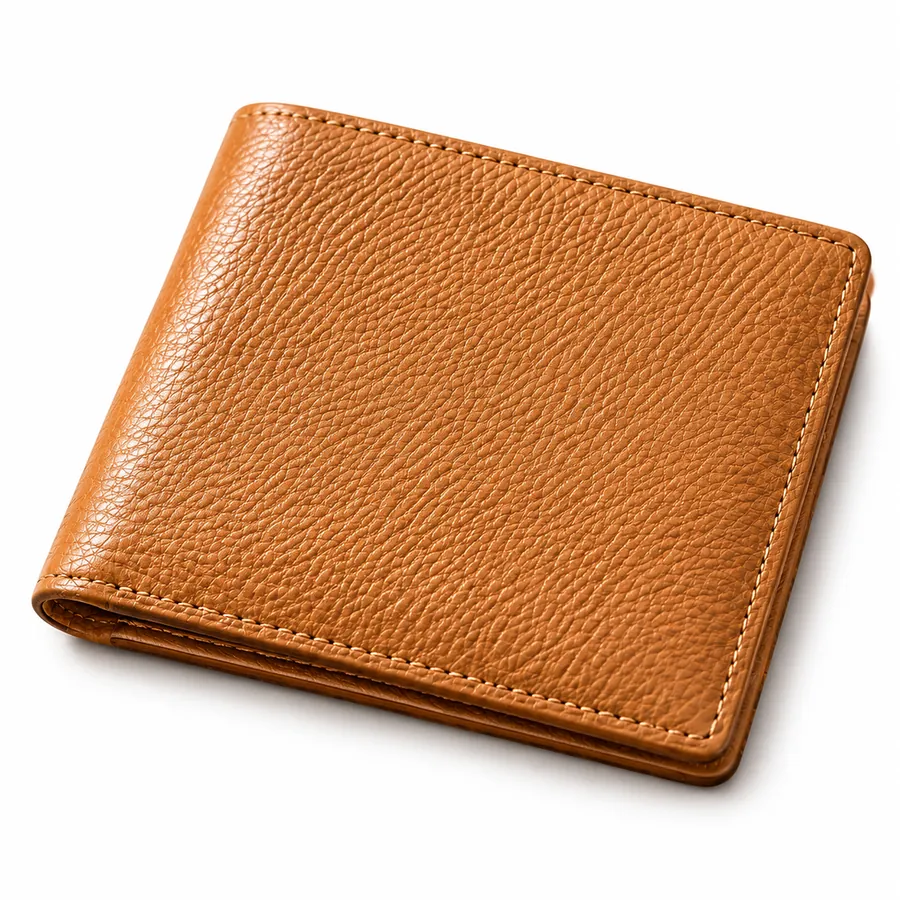
How to put a product on a white background with AI without distorting it
Turning a casual product photo into a pure-white listing image is easy for AI; keeping the product itself from being redrawn is the hard part. We tested a wallet photo, show what held up and what changed, and give a prompt and a pre-listing checklist.
How many reference images can Nano Banana Pro take? The 14-image limit and how to prompt with several images
Nano Banana Pro accepts up to 14 reference images per request, with up to 5 people kept consistent and up to 6 objects reproduced at high fidelity. Limits for every model on Miku AI, how people actually use references, and how to write multi-image prompts.

How to make a Russian-language main image for Ozon with AI (3:4, with Russian text)
Pick a 3:4 portrait image, prepare the Russian text yourself and have the AI copy it exactly, and make sure the quantity and size shown match the real product. We turned a pink gift bag photo into an Ozon-style main image. Russian text table, prompt and pre-listing checklist included.
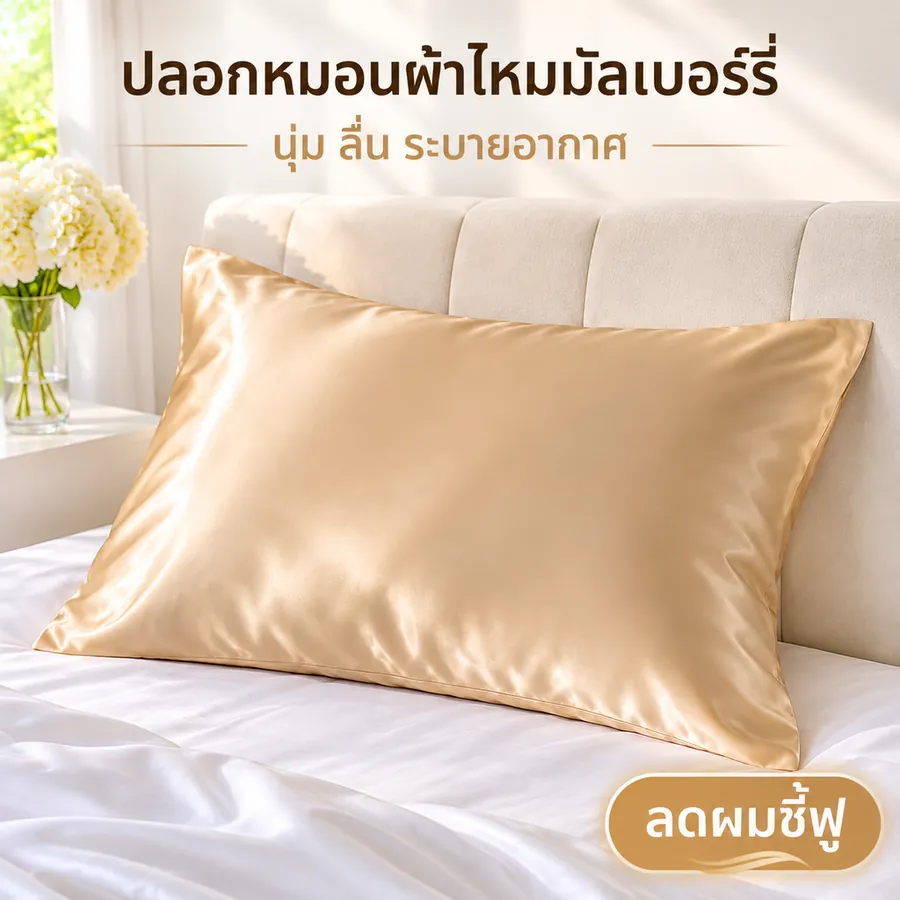
How to make a Thai-language product image for Shopee Thailand with AI, even if you don't read Thai
The trick is to prepare the Thai text yourself, have the AI copy it rather than translate, keep it to three short pieces and check every character. We turned a casual pillowcase photo into a square Thai cover image. Thai text table, prompt and FAQ included.