Using Seedream 5.5 with reference images in Miku AI
The current 1K configuration, eight aspect ratios and up to ten references, with an actual test image and clearly labeled composition illustrations.
Published · 2 min read
Start with one clear reference and explain what must stay unchanged. Add further views only when they provide information the first image cannot.
The current site configuration
As of November 15, 2026, the public Seedream 5.5 option in Miku AI offers the 1K tier at 0.4 credits per image, up to ten references and PNG output. Eight aspect ratios are enabled; the workspace size selector lists them. These are this site's settings, not a claim about every provider's capabilities.
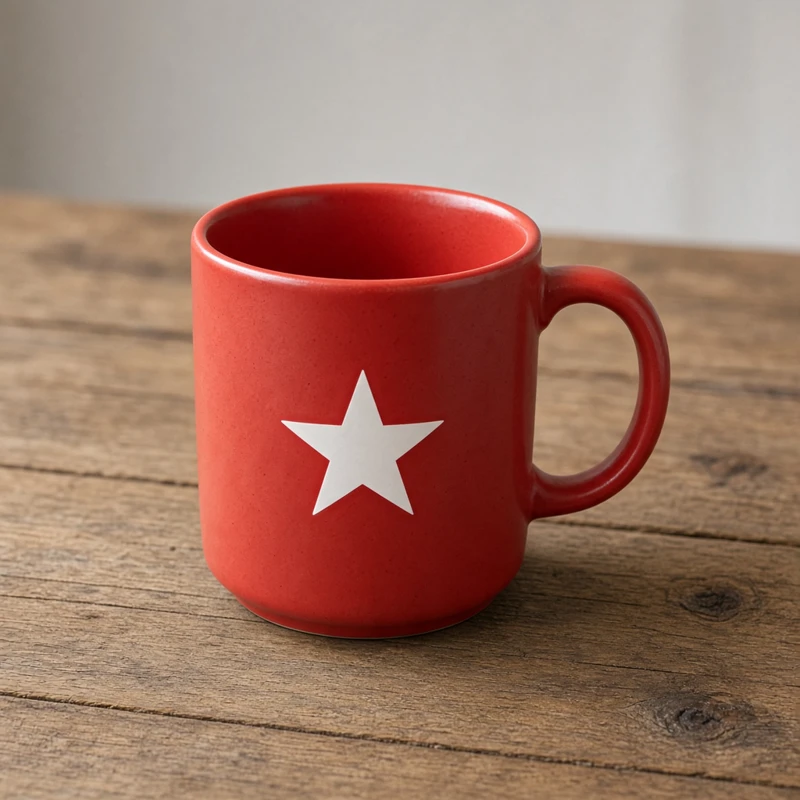
Use the mug, table and shadow to inspect this example, but do not treat one image as a benchmark for every subject. Check original-size files, especially small decorations and text.
Give each reference a job
A product reference can define the shape and decoration. A second image can supply the background or lighting. Tell the model which role each image has.
Use reference 1 for the mug's shape and decoration. Preserve the handle, rim and white star. Use reference 2 only for the tabletop and side-light direction. Place the mug in the center without copying other objects or adding text.
This is a suggested template, not the original request for the image above. Use consistent views of the same object where possible.
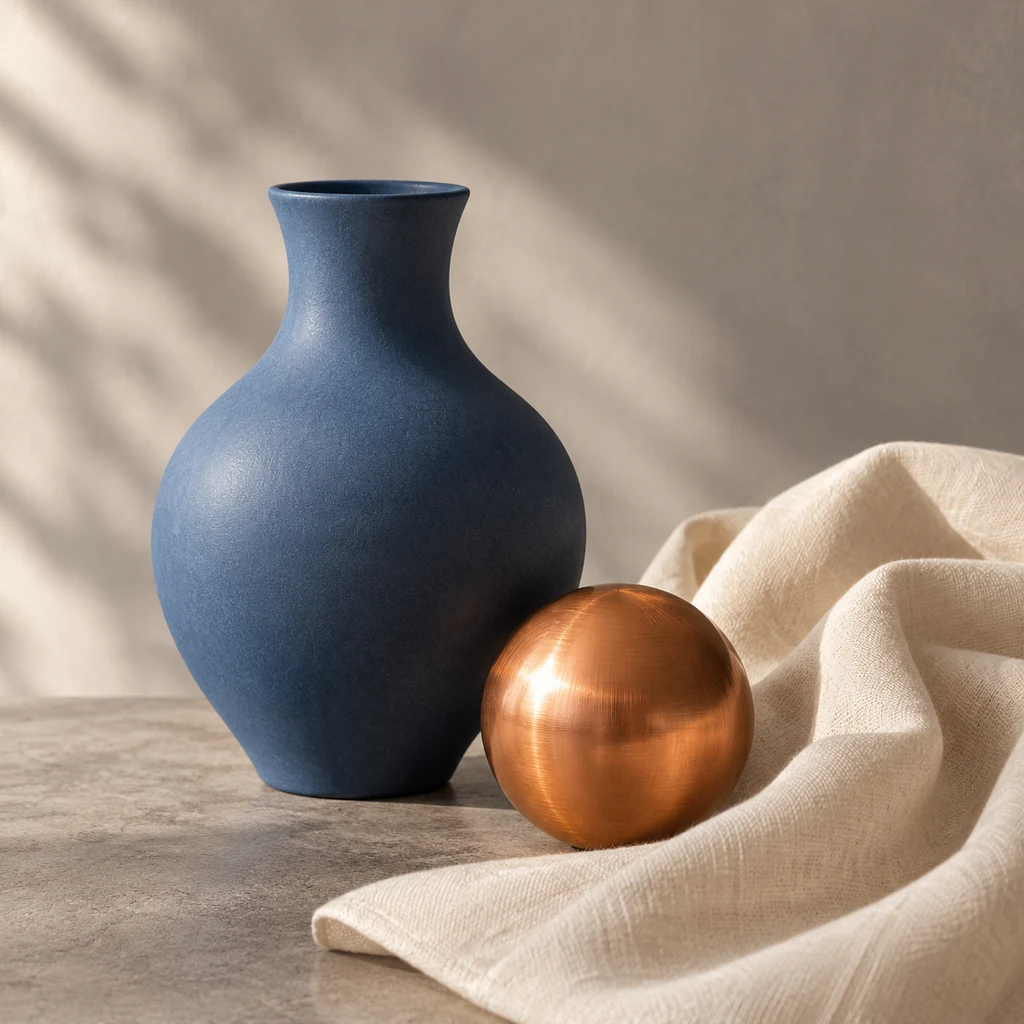
Be specific about materials
Describe a matte ceramic finish, brushed metal direction, fabric folds and the light source. Change one requirement at a time so comparisons remain understandable.

Before using product images in a listing, compare them with the physical item. Attractive output can still alter a handle, add decoration or smooth an important edge.
Do you need all ten references?
No. The limit describes how many can be submitted, not a guarantee of better quality. Begin with the clearest image and add a reference only when you can explain what information it contributes.
For characters, consistent front, side and back views are useful inputs. For a product scene, a product image and a scene reference can make the result easier to evaluate. See the turnaround guide and product-scene guide.
FAQ
Can I select 2K here?
The public configuration described in this article enables 1K only. Tests on another channel do not imply public availability.
How many references can I use?
The current limit is ten. Start with fewer clear references and add more when needed.
Does this model offer transparent output, GIF or SVG?
The current site configuration offers PNG without transparent background, GIF or SVG options. Choose a model that explicitly provides the format you need and check its displayed price.