Make a simple GIF loop with GPT Image 2.6
A real official-key rabbit GIF, its 16 frames, and a practical workflow for references, motion prompts and output checks.
Published · 2 min read
Start with one small action. Keep the character, background and camera stable, then ask for a nod or a blink. This guide uses a completed internal test rather than a promise about every future output.
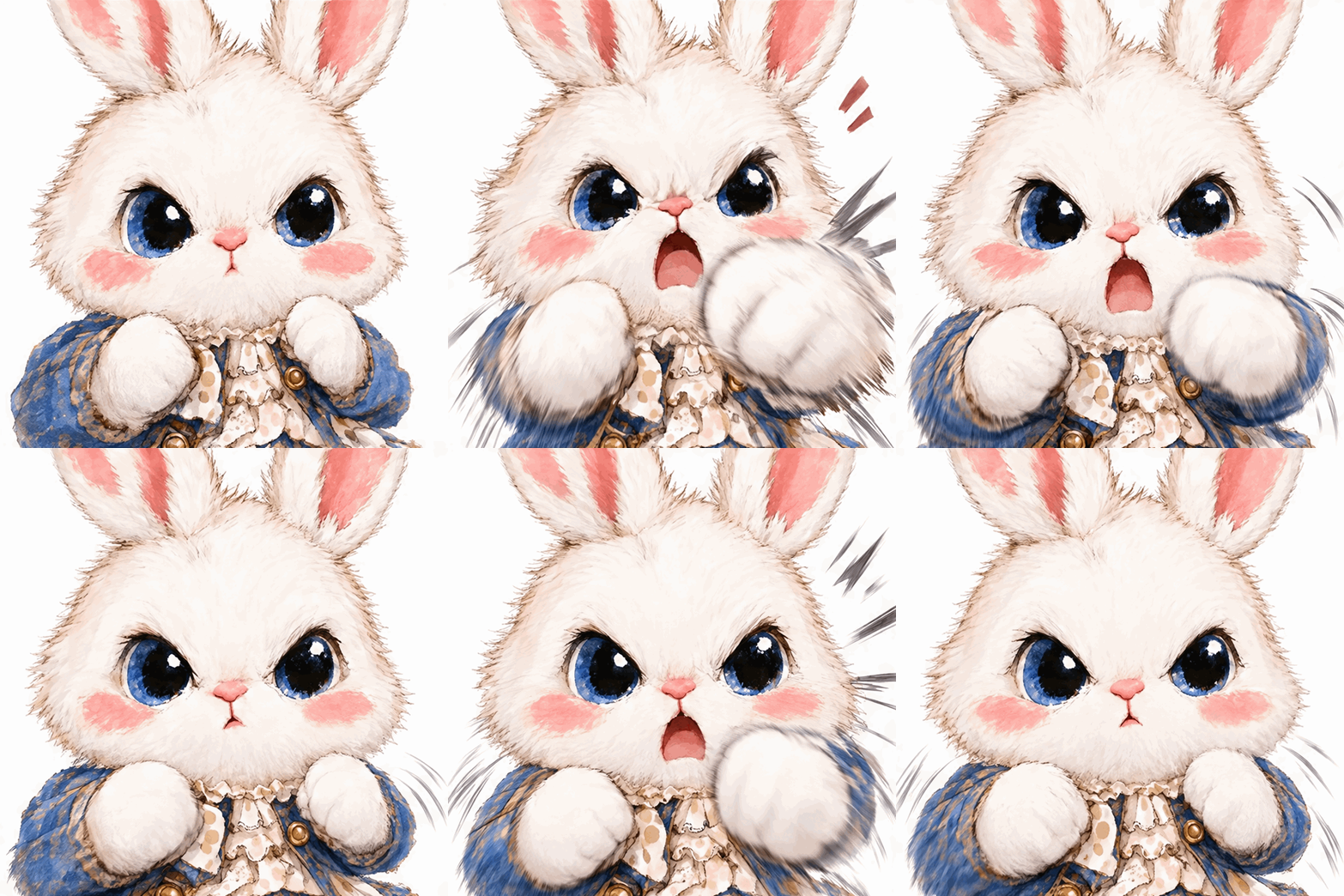
What this file contains
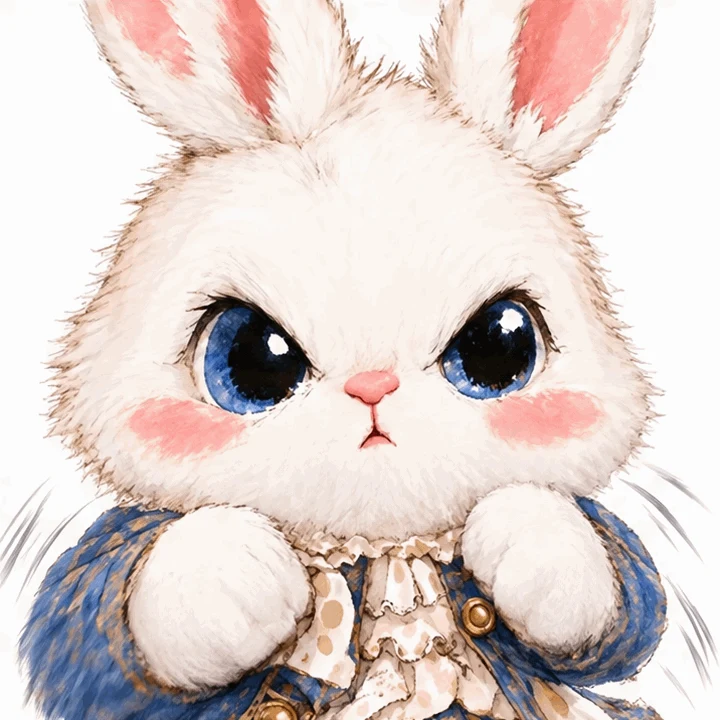
The GPT Image 2.6 Flare official-key test used one reference image. Its output is 720×720, with 16 frames lasting 200 ms each. One cycle lasts about 3.2 seconds and the file is about 3.39 MB.
These measurements describe this file only. The site's 1K tier does not guarantee 1024×1024 pixels for every GIF, and a requested frame count should still be checked against the downloaded result.
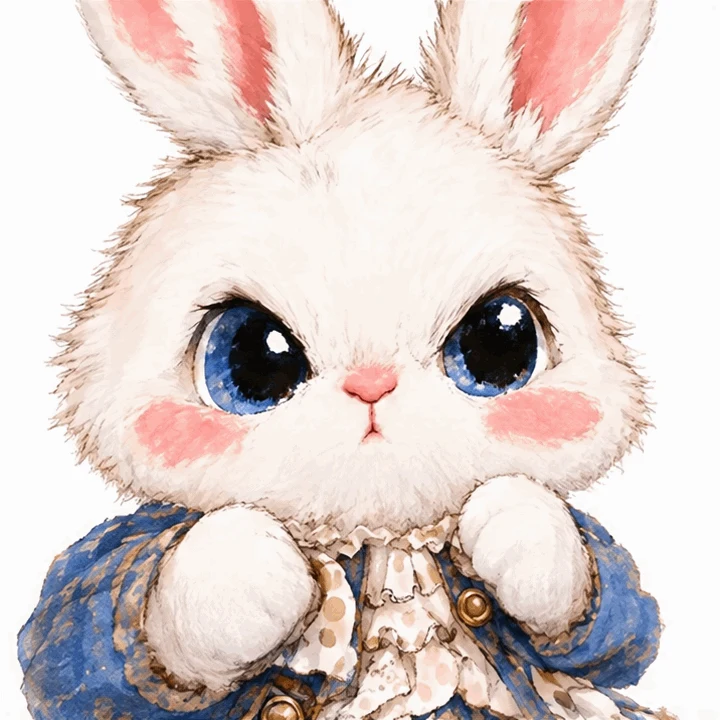
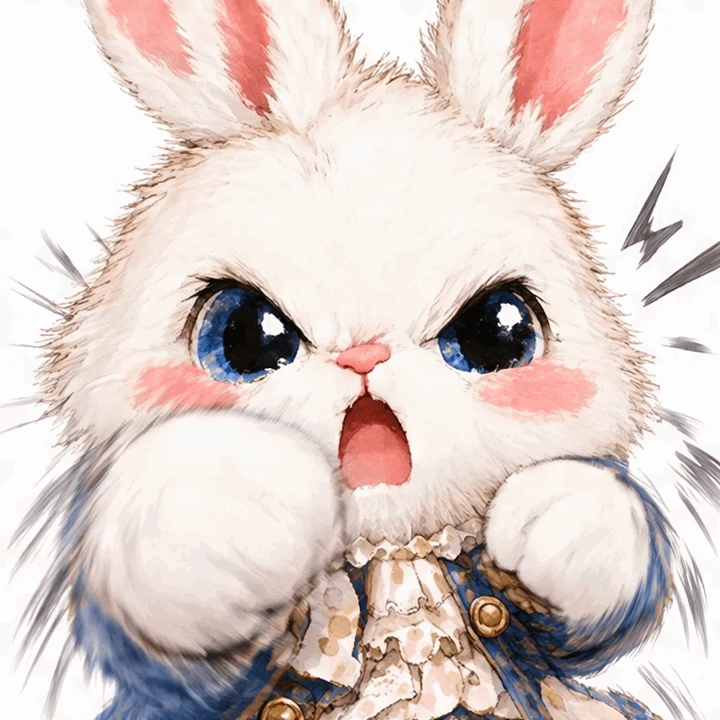
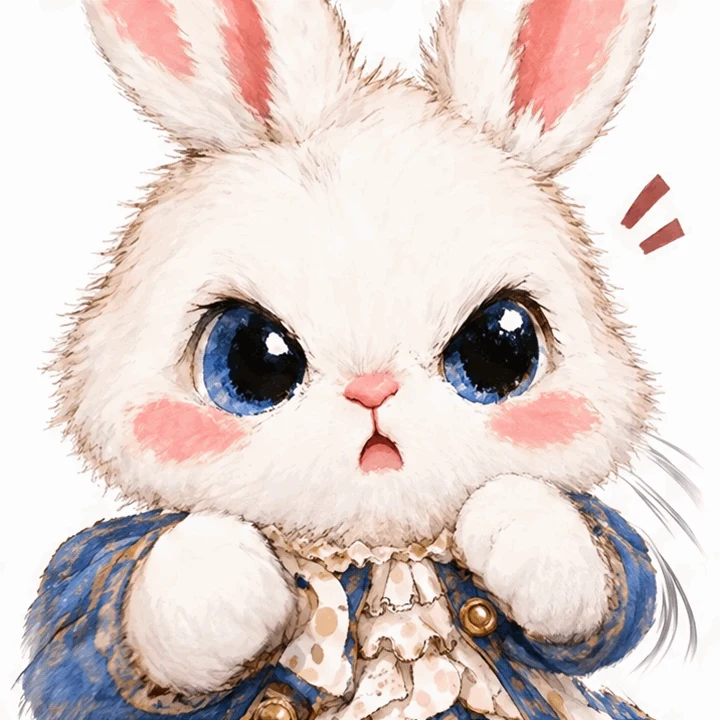
Start in the workspace
Choose a GPT Image 2.6 model that offers GIF, then select GIF and the 1K tier. To keep an existing character, upload a clear PNG, JPEG or WebP reference. GIF is an output option, not an accepted reference upload format.
Read the displayed estimate before submitting. Official-key GIFs have their own price and should not be priced as ordinary PNGs. Wait for the final task status before submitting a duplicate.
Specify the movement and the fixed parts
This is a suggested template, not the original prompt used for the test above.
Preserve the rabbit's face, clothes, colors and composition from the reference. Keep the camera and background still. Have the rabbit nod slowly once, with a small follow-through in its ears, then return to its starting pose. Make a continuous loop without new objects or text.
Try one action first. Add a blink only after checking character stability. Combining a walk, turn, outfit change and camera cut makes failures harder to diagnose.
Inspect the finished loop
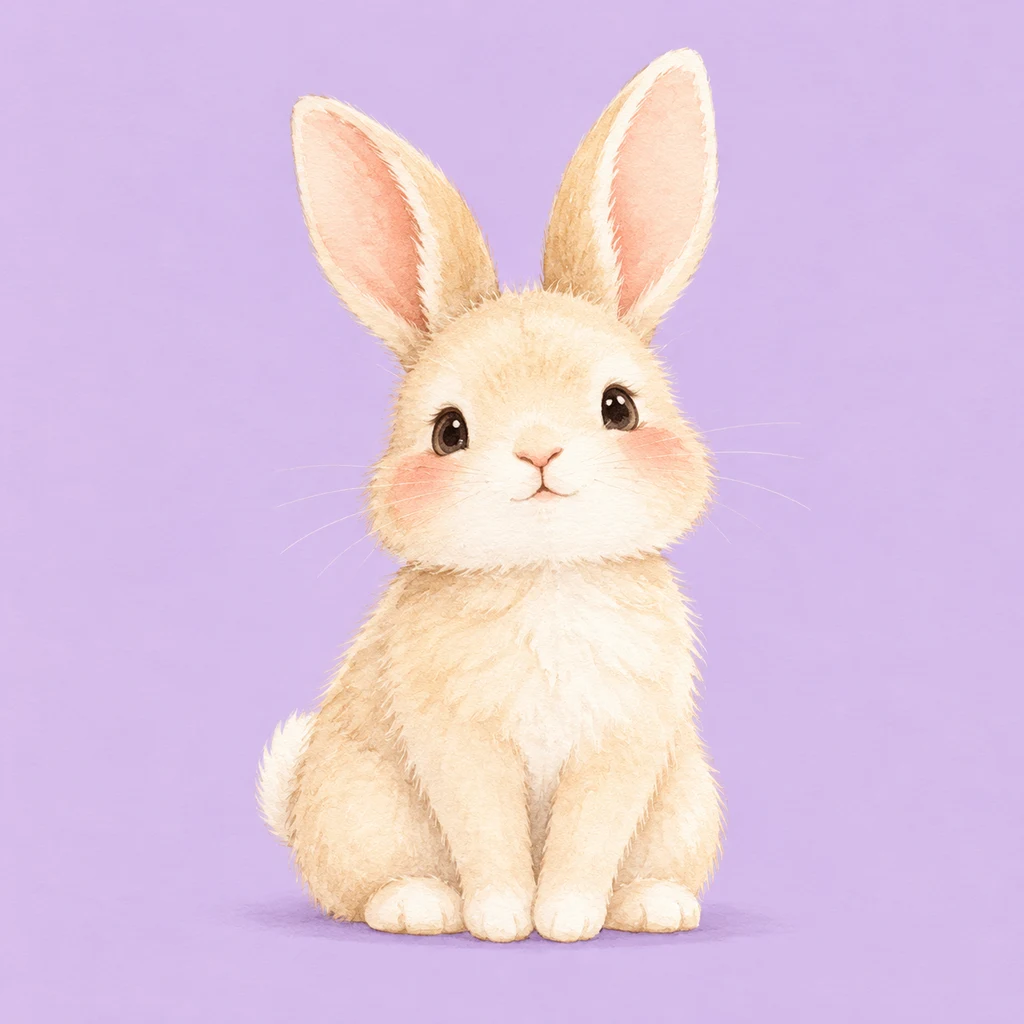
Watch the transition from the last frame back to the first. Check the eyes, clothing and silhouette for drift. Look for unintended camera movement and test the file in the destination app, which may compress it or show a still preview.
For exact frame-by-frame timing, refine the result in an animation editor. A motion prompt is not a timeline.
FAQ
Do official-key models request 16 frames?
The current site configuration requests 16 frames by default. Check the downloaded file; the example here contains exactly 16.
Can I upload a GIF as the reference?
Not currently. Extract a clear still frame and upload it in a supported image format.
Should I choose GIF or SVG?
Use GIF for short animation loops. Consider SVG for graphics that need scalable paths and further editing. Read the SVG guide.